
It all started with a casual question from a friend. Google had just released its new Google Workspace CLI, offering programmatic access to every product in the suite -including Gmail.
The question was: “What if we wrote a program that checks new emails and replies to them using a style learned from your previous messages?”
Challenge accepted. 60 minutes later, the first prototype was live.
The Process: AI-Human Collaboration
I didn’t build this alone. This project was a true collaboration between human and AI. I acted as the architect and test pilot – coordinating the logic, giving instructions, and debugging edge cases – while the AI acted as the supervising developer, generating the Python code and integrating the Gemini API.
The Steps to Reality
- Style Learning: We used the Workspace CLI to fetch the most recent sent messages. This gives the AI a “DNA” of my tone, greetings, and how I sign off.
- Contextual Knowledge: We instructed the AI to use my website (dev.orpi.pl) as the single source of truth for business-related facts.
- The Brain: We integrated the Gemini-3.1-flash-lite-preview model to bridge the gap between “style” and “facts,” generating a natural-sounding reply.
- Automation: The final script identifies unread messages, drafts the response, sends it via Gmail API, and marks the original as read.
The Real Challenge: Google Cloud Configuration
The actual coding was surprisingly fast. The real “boss fight” was the Google Cloud Platform (GCP) configuration. Navigating OAuth consent screens, configuring scopes (gmail.modify), and managing authentication tokens on macOS was where most of the heavy lifting happened. Once the “handshake” between the CLI and Google’s servers was solid, the rest flowed smoothly.
The Result in Action
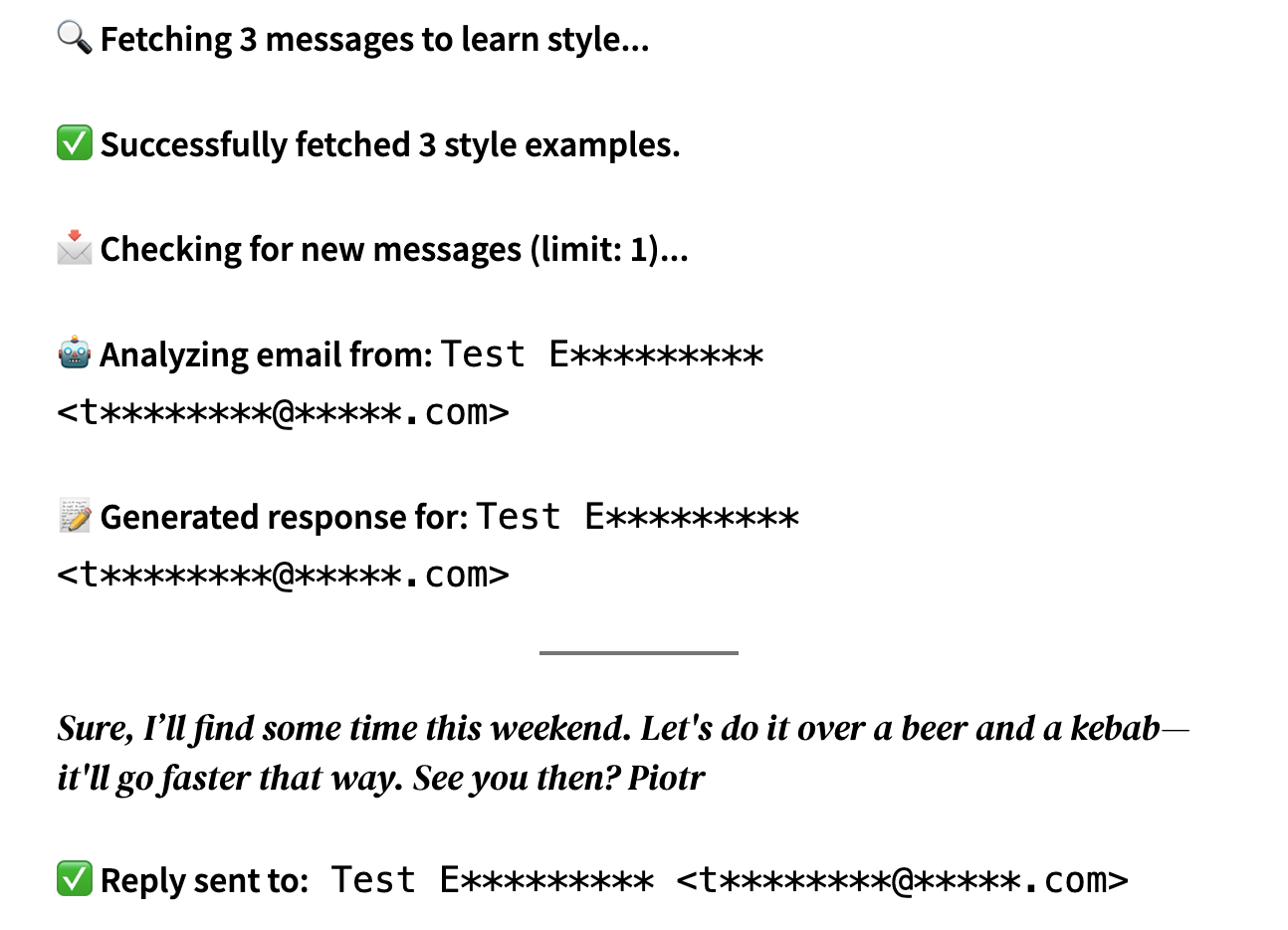
Here is what the terminal output looks like when the assistant is running in test mode (masking sensitive data):
🔍 Fetching 3 messages to learn style…
✅ Successfully fetched 3 style examples.
📩 Checking for new messages (limit: 1)…
🤖 Analyzing email from:
Test E********* <t********@*****.com>📝 Generated response for:
Test E********* <t********@*****.com>
Sure, I’ll find some time this weekend. Let’s do it over a beer and a kebab—it’ll go faster that way. See you then? Piotr
✅ Reply sent to:
Test E********* <t********@*****.com>
What’s Next? The Sky is the Limit.
Building a functional AI tool in an hour shows how far the developer experience has come. By combining modern CLI tools with Generative AI, we can move from “I wonder if…” to a working prototype before the coffee gets cold. But this 60-minute sprint was just the foundation -now it’s time to make it truly intelligent.
The roadmap for this assistant is already taking shape, and the possibilities are wide open:
- Smart Filtering & Sentiment Analysis: Instead of replying to everything, the AI will soon analyze the intent and sentiment of incoming mail. We can set conditional rules – auto-responding to common inquiries while flagging urgent issues or specific topics for manual review.
- Human-in-the-loop (Approval Workflow): Automation is great, but trust is earned. I’m working on a “Draft & Notify” feature where the AI sends me a push notification with a preview of the response. One tap to Approve, Edit, or Discard ensures I always have the final say.
- Deep Context Integration: To make responses even more precise, I plan to integrate the system with a database or Google Drive. Imagine the AI checking a project folder or a customer’s history to provide details like: “Hi Mark, I checked your latest project files on Drive, and we are on track for Tuesday’s deadline.”
We are moving into an era where “coding” is less about syntax and more about orchestration. When you can bridge the gap between powerful CLI tools and Generative AI, you’re no longer just writing scripts – you’re building an autonomous workforce.
Open Source & Getting Started
I’ve decided to share the full source code for this project. Whether you want to use it as-is or build your own sophisticated email agent, you can find the repository here:
🔗 GitHub Repository: AI-Gmail-Autoresponder
The project is released under the MIT License, meaning you are free to fork it, modify it, and use it for your own personal or commercial projects.
Building a functional AI tool in an hour shows how far the developer experience has come. By combining modern CLI tools with Generative AI, we can move from “I wonder if…” to a working prototype before the coffee gets cold.
What would you automate if you had an hour and a fresh API key? Let me know in the comments!